top of page

All Articles
THE DAILY PULSE

MS Excel: Working with COUNTIF Explained
The COUNTIF function in Excel is a powerful tool for counting cells that meet specific criteria. It helps you quickly summarise data, track occurrences, and spot trends without manually scanning your spreadsheet. COUNTIF is widely used in finance, administration, HR, and reporting roles. What Does COUNTIF Do? COUNTIF counts the number of cells in a range that meet a single condition. For example, if you have a list of orders and want to know how many exceed £1,000, COUNTIF d
Feb 121 min read

MS Excel: Working with Protecting Worksheets and Workbooks Explained
In Excel, protecting worksheets and workbooks helps secure your data, prevent accidental changes, and control access . Whether you’re sharing reports, financial models, or dashboards, this feature ensures your work remains accurate and professional. What Does Protection Do? Excel allows you to: Lock cells so they cannot be edited Protect entire worksheets to prevent changes to formulas or structure Protect workbooks to prevent adding, deleting, or moving sheets Restrict ac
Feb 122 min read

MS Excel: Working with What-If Analysis Explained
Excel’s What-If Analysis tools let you explore different scenarios and see how changes to your data affect outcomes. It’s a powerful feature for budgeting, forecasting, and decision-making in finance, operations, and project management. Instead of manually recalculating every possibility, What-If Analysis lets Excel do it automatically. What Is What-If Analysis? What-If Analysis allows you to test “what happens if” scenarios in your spreadsheet. For example: What if sales i
Feb 122 min read

MS Excel: Working with Basic Data Analysis Techniques Explained
Excel is not just a tool for storing data — it’s a powerful platform for analysing information and making decisions . Even with basic techniques, you can extract insights, spot trends, and summarise data quickly. These skills are essential for finance, administration, operations, and reporting roles. What Is Data Analysis in Excel? Data analysis involves examining your data to identify patterns, trends, and meaningful insights. Even simple analysis can help you answer questio
Feb 122 min read

MS Excel: Working with PivotCharts Explained
PivotCharts are an extension of PivotTables that allow you to visualise your data dynamically . They make it easy to see trends, patterns, and insights from large datasets — all without creating static charts manually. If you regularly report data or create dashboards, PivotCharts can dramatically improve clarity and presentation. What Is a PivotChart? A PivotChart is a dynamic chart linked to a PivotTable . When you update or filter the PivotTable, the PivotChart updates aut
Feb 122 min read

MS Excel: Working with PivotTables Explained
PivotTables are one of Excel’s most powerful tools. They allow you to summarise, analyse, and explore large datasets quickly — without writing complex formulas. If you regularly work with tables of data, PivotTables can save hours of manual work and help you create professional reports. What Is a PivotTable? A PivotTable is an interactive table that: Organises data dynamically Summarises totals, averages, counts, or other calculations Allows you to filter and sort data insta
Feb 122 min read

MS Excel: Working with Date and Time Functions Explained
Excel isn’t just for numbers and text — it’s also powerful for working with dates and times . Date and time functions allow you to calculate durations, track deadlines, and organise schedules automatically. Mastering these functions saves time and reduces errors, especially in finance, project management, and reporting roles. Common Date Functions 1️⃣ TODAY() Returns the current date. =TODAY() Use it for deadlines, age calculations, or dynamic reporting. 2️⃣ NOW() Returns the
Feb 122 min read

MS Excel: Working with CONCATENATE Explained
The CONCATENATE function in Excel is used to combine text from multiple cells into one cell. It is a simple yet powerful function that helps organise and structure data more effectively. In newer versions of Excel, CONCAT is used instead of CONCATENATE — but both perform the same task. What Does CONCATENATE Do? CONCATENATE joins text strings together. For example, if: Cell A1 contains John Cell B1 contains Smith Using the formula: =CONCATENATE(A1," ",B1) Excel will return:
Feb 121 min read

MS Excel: Working with Text Functions Explained (LEFT, RIGHT, MID, CONCATENATE)
Excel isn’t just for numbers — it’s also extremely powerful when working with text. Text functions allow you to extract, combine, and manipulate text within cells. Four of the most commonly used text functions are LEFT, RIGHT, MID, and CONCATENATE . 1️⃣ LEFT Function The LEFT function extracts characters from the beginning of a text string. Structure: =LEFT(text, number_of_characters) Example: If cell A1 contains INV-2024-001 , then: =LEFT(A1,3) Returns: INV This is useful f
Feb 122 min read

MS Excel: Working with Data Validation & Drop-Down Lists Explained
Data Validation is a powerful Excel feature that controls what users can enter into a cell. It helps prevent errors, improve accuracy, and create more professional spreadsheets. One of the most common uses of Data Validation is creating drop-down lists . What Is Data Validation? Data Validation allows you to: Restrict entries to specific values Limit numbers within a range Control date inputs Create selectable drop-down lists Display input messages and error alerts It ensures
Feb 122 min read

MS Excel: Working with Named Ranges Explained
Named Ranges are one of Excel’s most underrated features. They allow you to give a meaningful name to a cell or range of cells, making your formulas easier to read, understand, and manage. Instead of referencing A1:A12 , you could name it Monthly_Sales . This makes your spreadsheets more professional and easier to maintain. What Is a Named Range? A Named Range is a custom label assigned to a specific cell or group of cells. For example: A1:A12 → Named as Sales_Data B2 → Named
Feb 122 min read

MS Excel: Working with Multiple Worksheets Explained
As your Excel skills grow, you’ll quickly move beyond using just one sheet. Working with multiple worksheets allows you to organise data more clearly and build structured, professional workbooks. A workbook is the Excel file itself. A worksheet is an individual tab within that file. Using multiple worksheets helps keep data organised and easier to manage. Why Use Multiple Worksheets? You might use separate worksheets to: Store raw data on one sheet Create calculations on anot
Feb 123 min read

MS Excel VLOOKUP Explained
VLOOKUP is one of the most well-known and widely used Excel formulas. It allows you to search for a value in a table and return related information from another column. It is commonly used in administrative, finance, HR, and reporting roles. What Does VLOOKUP Do? VLOOKUP searches for a value in the first column of a table and returns matching data from a specified column in the same row. In simple terms: It helps you automatically pull information from a table instead of sear
Feb 122 min read

MS Excel Conditional Formatting Explained
Conditional Formatting is one of Excel’s most powerful visual tools. It allows you to automatically format cells based on rules or conditions. Instead of manually checking data, Excel highlights important information for you. What Is Conditional Formatting? Conditional Formatting changes the appearance of a cell when certain criteria are met. For example, you can: Highlight values over budget Show overdue invoices in red Identify duplicate entries Display colour scales for pe
Feb 121 min read
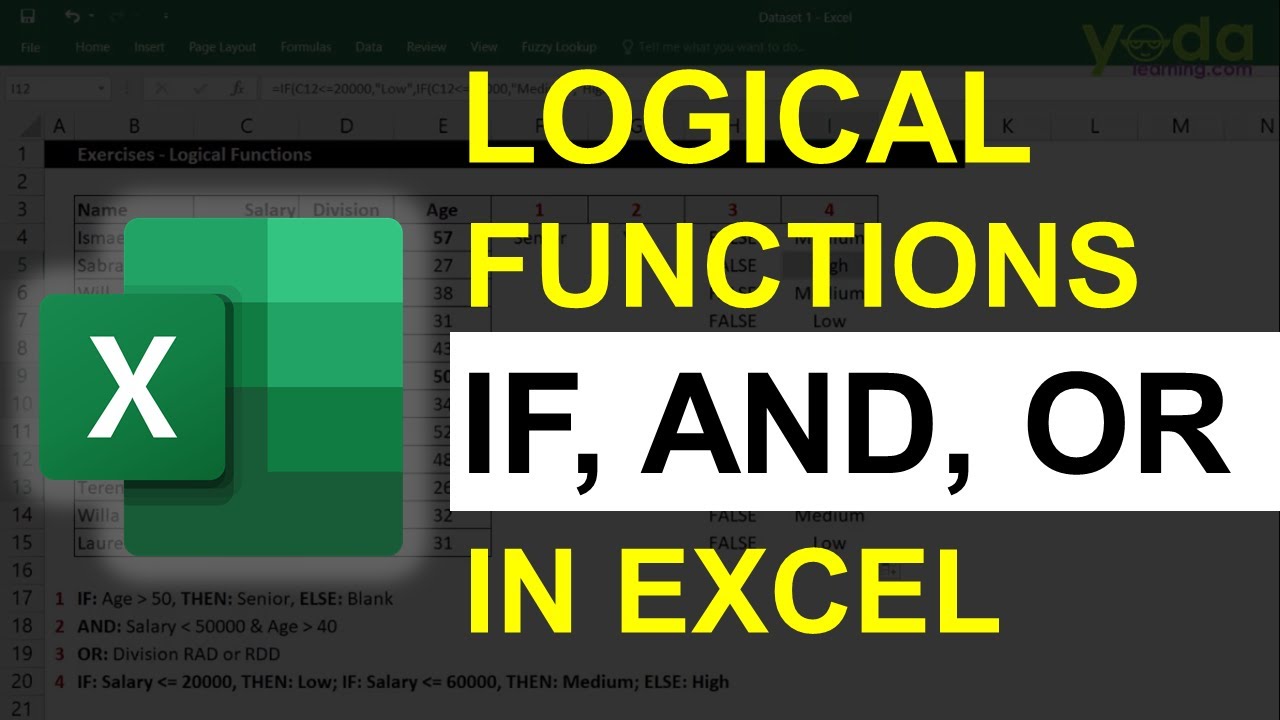
Logical Functions in Excel Explained: IF, AND & OR
Logical functions allow Excel to make decisions based on conditions. Instead of just calculating numbers, Excel can now “think” and return results depending on specific criteria. The three most commonly used logical functions are IF, AND, and OR . 1️⃣ The IF Function The IF function checks whether a condition is true or false and returns a result accordingly. Structure: =IF(logical_test, value_if_true, value_if_false) Example: =IF(A2>1000,"Over Budget","Within Budget") If th
Feb 121 min read

MS Excel: XLOOKUP Explained
If you work with data in Excel, XLOOKUP is one of the most powerful and useful formulas you can learn. It replaces older lookup functions like VLOOKUP and HLOOKUP, making it easier, more flexible, and more reliable to retrieve information from a table. What Does XLOOKUP Do? XLOOKUP searches for a value in one column and returns matching information from another column. In simple terms: It finds data for you automatically. For example, you can: Look up an employee ID and retu
Feb 122 min read
bottom of page